Classroom folklore frequently conflates educational platforms. Many students assume their ClassDojo student account functions identically to administrative monitoring suites like GoGuardian, Securly, or Lightspeed Systems. Those platforms stream active displays directly to a central monitor. ClassDojo cannot do that.
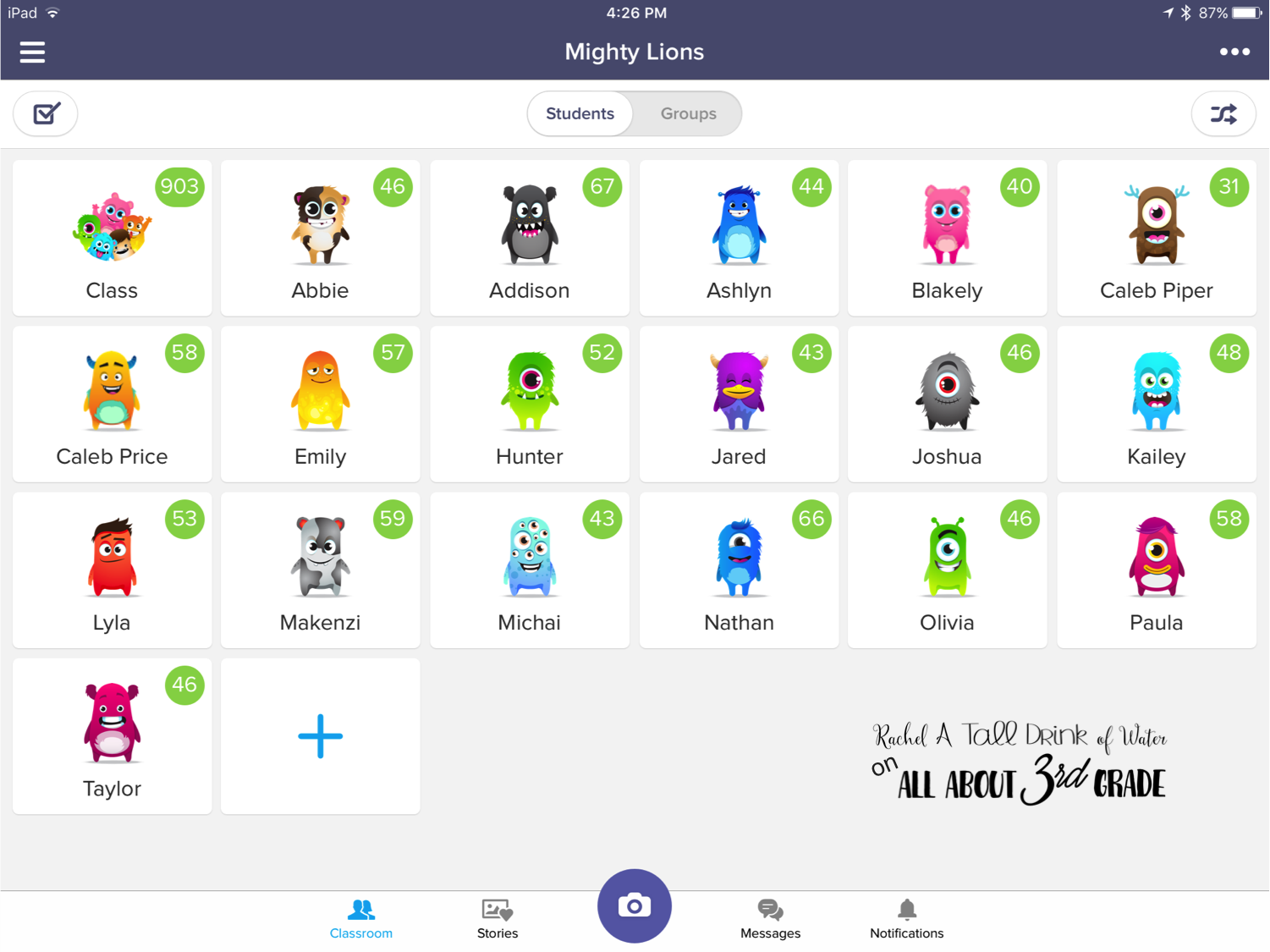
The application does not possess native screen tracking capabilities. A teacher sitting at their desk cannot pull up a real-time mirror of a pupil's Chromebook display through the ClassDojo portal. If a child minimizes a portfolio draft to play a browser game, the teacher dashboard monitoring interface shows no red siren, no screen feed, and no list of open browser tabs.
Technical boundaries dictate this reality. ClassDojo operates within standard sandbox constraints on web browsers and mobile operating systems. It gathers data generated strictly inside its own ecosystem. The moment an elementary student navigates outside classdojo.com, the platform goes completely blind. What educators actually see on their screens is not a live surveillance video; it is an extensive, automated paper trail.