Q1: Why does ChatGPT make AI self-portraits look overly smooth and fake?
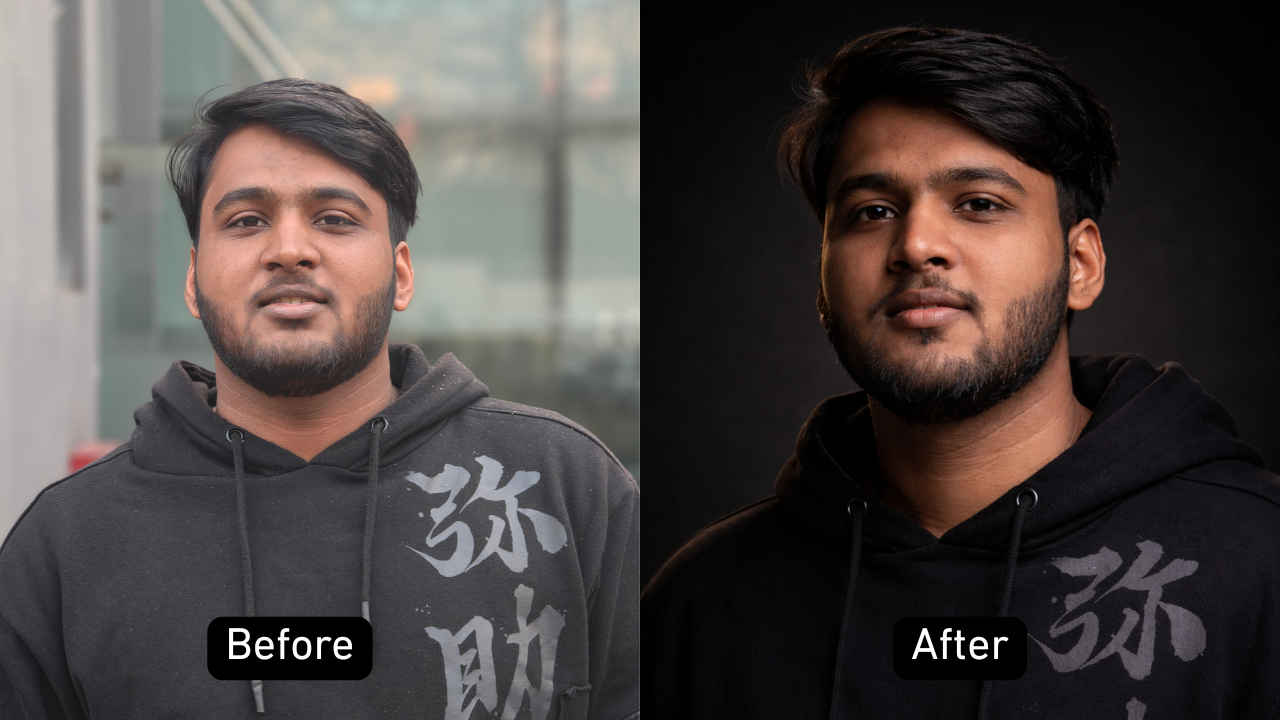
A1: Default training algorithms smooth out high-frequency noise, which often erases fine facial lines and natural pores. Prevent this by explicitly adding phrases like "natural skin pores," "subtle facial blemishes," "unretouched skin texture," and "no digital airbrushing" to your prompts.
Q2: Can ChatGPT replicate my exact face using only a text prompt?
A2: No. Pure text prompts generate a composite face based on statistical patterns. To capture your actual likeness, you must upload reference photos of yourself directly into the chat and instruct the model to use your facial features, eye spacing, and jawline as the baseline anchor.
Q3: Which camera settings produce the cleanest background blur?
A3: Specify portrait prime focal lengths paired with wide apertures. Prompts requesting an "85mm lens at f/1.8" or "105mm lens at f/2.0" reliably instruct the engine to isolate the subject and generate creamy, natural depth of field without awkward edge clipping.