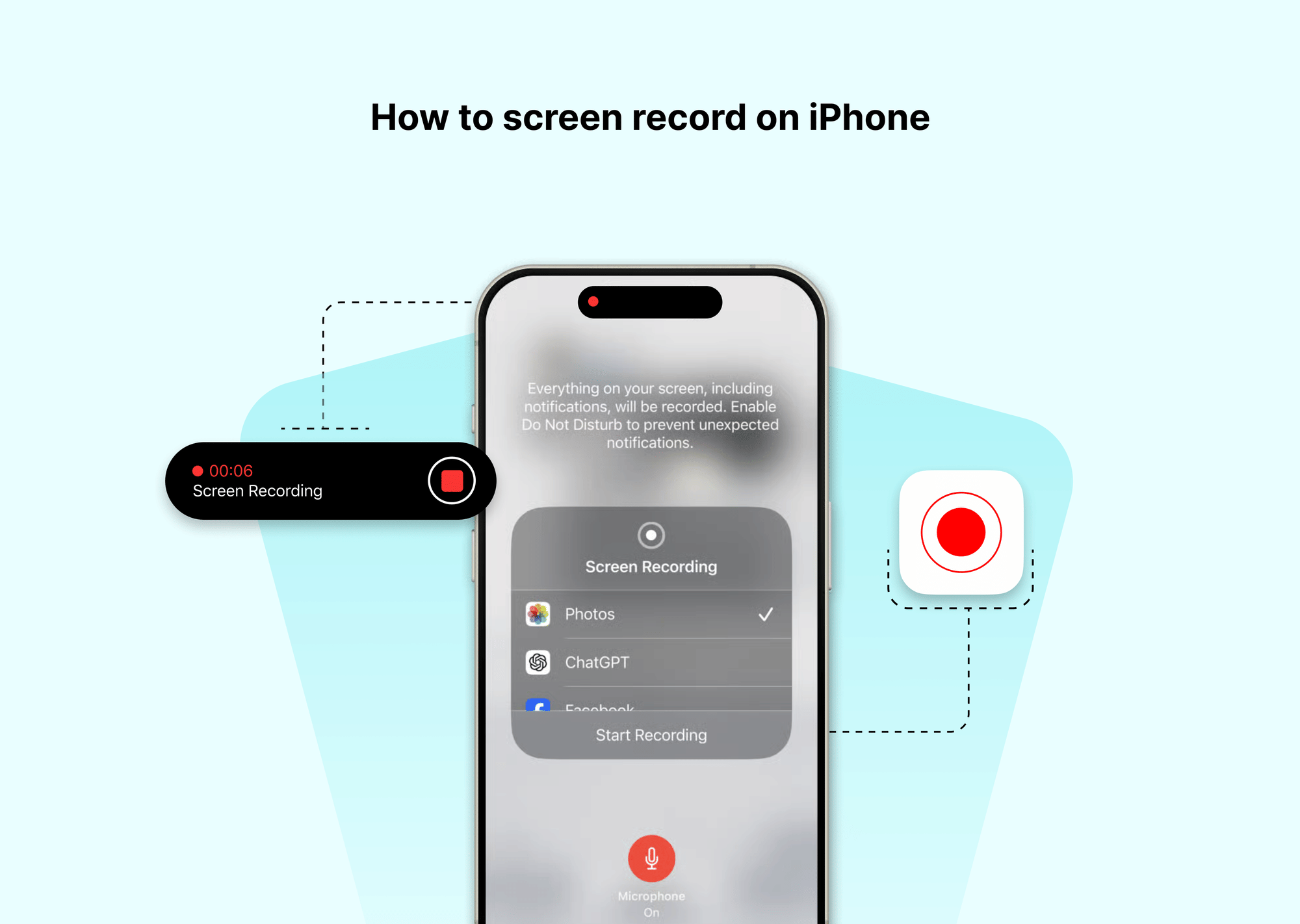
Before the pill-shaped screen cutout arrived, screen recording was visually messy. Devices showed a bright red badge behind the digital clock, which appeared directly in your exported video. On iPhones equipped with a Dynamic Island, Apple moved this indicator into the hardware cutout.
When the three-second countdown completes, the Dynamic Island shifts. A small red dot and an elapsed-time chronometer appear on the right side of the pill. This serves two purposes: it gives you immediate confirmation that capture is active without cluttering the canvas, and it acts as an instant stop recording shortcut.
Instead of swiping down Control Center to end your capture, a move that routinely adds two seconds of unwanted interface navigation to the end of your clip, simply tap the Dynamic Island indicator. The island expands into a minimal card with a red square "Stop" button. Tap it, and the recording halts instantly. On phones without the Dynamic Island, tap the red clock highlight in the top-left status bar to open the same confirmation dialog.