Recovering from a lost Kindle shows where the device's standard security falls short. Setting up a replacement requires fixing these vulnerabilities right away.
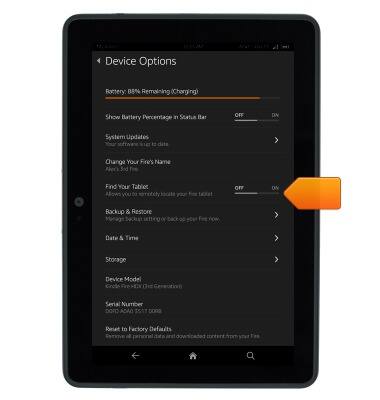
The most effective barrier against digital theft on an E-ink device is an ordinary device passcode. Navigate to Settings, choose Device Options, and turn on Device Passcode. Setting a 4-digit PIN forces the hardware to prompt for entry every time the cover opens or the power button clicks. Entering an incorrect passcode multiple times forces a factory wipe, destroying downloaded files and cache data before anyone can access the system.
Pair this software lock with permanent physical identification. Because E-ink Kindle displays stay visible without consuming power, take a screenshot of your name, secondary email address, and phone number, then load it onto the device.
Alternatively, place a clean label containing your contact details directly on the back shell beneath a protective cover. Good Samaritans who find lost electronics at security checkpoints, commuter train platforms, or hotels rarely know how to pull serial codes, but a visible phone number lets them contact you directly.