Severe online misconduct requires paper trails. When an interaction involves explicit threats, non-consensual imagery, doxxing, or hate speech, simply severing contact leaves bad actors free to target other users. You should report and block account profiles to ensure platform trust and safety teams log the violation.
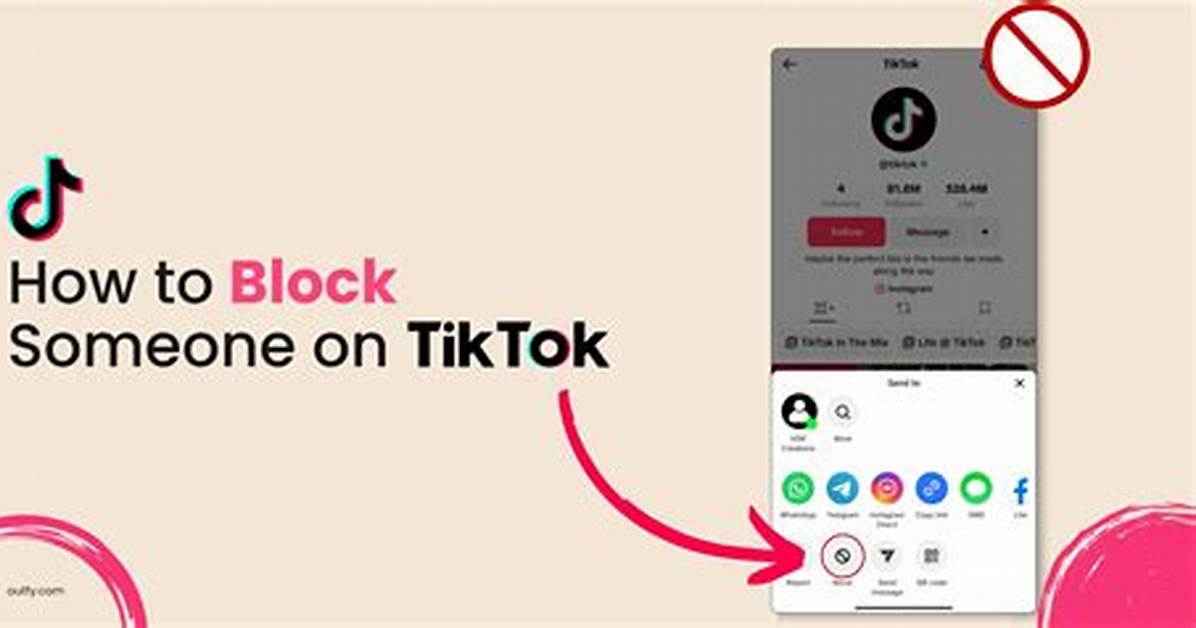
To report an account, open the user's profile and tap the share arrow or menu in the top-right corner. Tap Report, designated by a flag icon. TikTok prompts you to categorize the violation, covering categories such as hate speech, harassment, impersonation, or dangerous content.
Select the category that matches the behavior. The app lets you attach evidence, such as flagged chat transcripts or comment screenshots. Once submitted, the interface immediately offers a one-tap shortcut to block the account. Always capture external device screenshots of severe threats before submitting reports, as blocked profiles disappear from your active view right away.
Platforms manage millions of moderation tickets daily, making algorithmic escalation uncertain. A formal report initiates human review protocols inside TikTok's trust infrastructure, increasing the odds that safety teams ban the offending hardware ID or IP address permanently.